Metabase is genuinely good software. If you have a Postgres database, an engineer who can spin up a Docker container, and someone who knows SQL, it produces excellent dashboards.
That’s a lot of ifs.
Most teams searching for a Metabase alternative aren’t doing it because Metabase is bad. They’re doing it because the self-hosting requirement, the maintenance burden, or the SQL dependency has become a problem they’re no longer willing to absorb.
Here’s an honest look at the alternatives.
Why people look for Metabase alternatives
Self-hosting is a hidden cost. Metabase Open Source is free to download. Running it reliably is not free. You need a server, a database for Metabase’s metadata, backups, updates, and someone responsible when it goes down at 2am. For companies with small engineering teams, this tax compounds quickly.
SQL is a prerequisite. Metabase has a friendly question builder, but the moment someone wants something slightly non-standard, they’re writing SQL. That’s fine if you have an analyst. It’s a blocker if you don’t.
Cloud Metabase is expensive. Metabase Cloud starts at $500/month for teams. At that price, the comparison set changes entirely.
The alternatives worth considering
Looker Studio (Google)
Free. Connects natively to Google products (Analytics, Ads, Sheets, BigQuery). For teams in the Google ecosystem, it’s genuinely powerful and has zero hosting overhead.
The downside: it’s built around Google’s data sources. Non-Google connections require partner connectors, many of which cost extra. The UI is dated. Building complex calculated fields is frustrating.
Best for: Teams living in Google Analytics and Sheets who want a free, shareable report.
Power BI (Microsoft)
Microsoft’s BI tool is deeply capable. It has an excellent desktop app, strong DAX modeling language, and integrates well with the Microsoft 365 stack.
The downside: Power BI’s pricing tiers are confusing, embedding requires a Premium license, and the learning curve is steep. It’s designed for BI professionals, not for the founder who wants to understand their pipeline.
Best for: Enterprise teams already in the Microsoft ecosystem with dedicated BI resources.
Grafana
Grafana is primarily a time-series and observability tool. If you’re monitoring infrastructure, it’s excellent. If you’re trying to build a sales or revenue dashboard from a spreadsheet, it’s the wrong tool.
Best for: Engineering teams monitoring metrics, not business dashboards.
Infograph
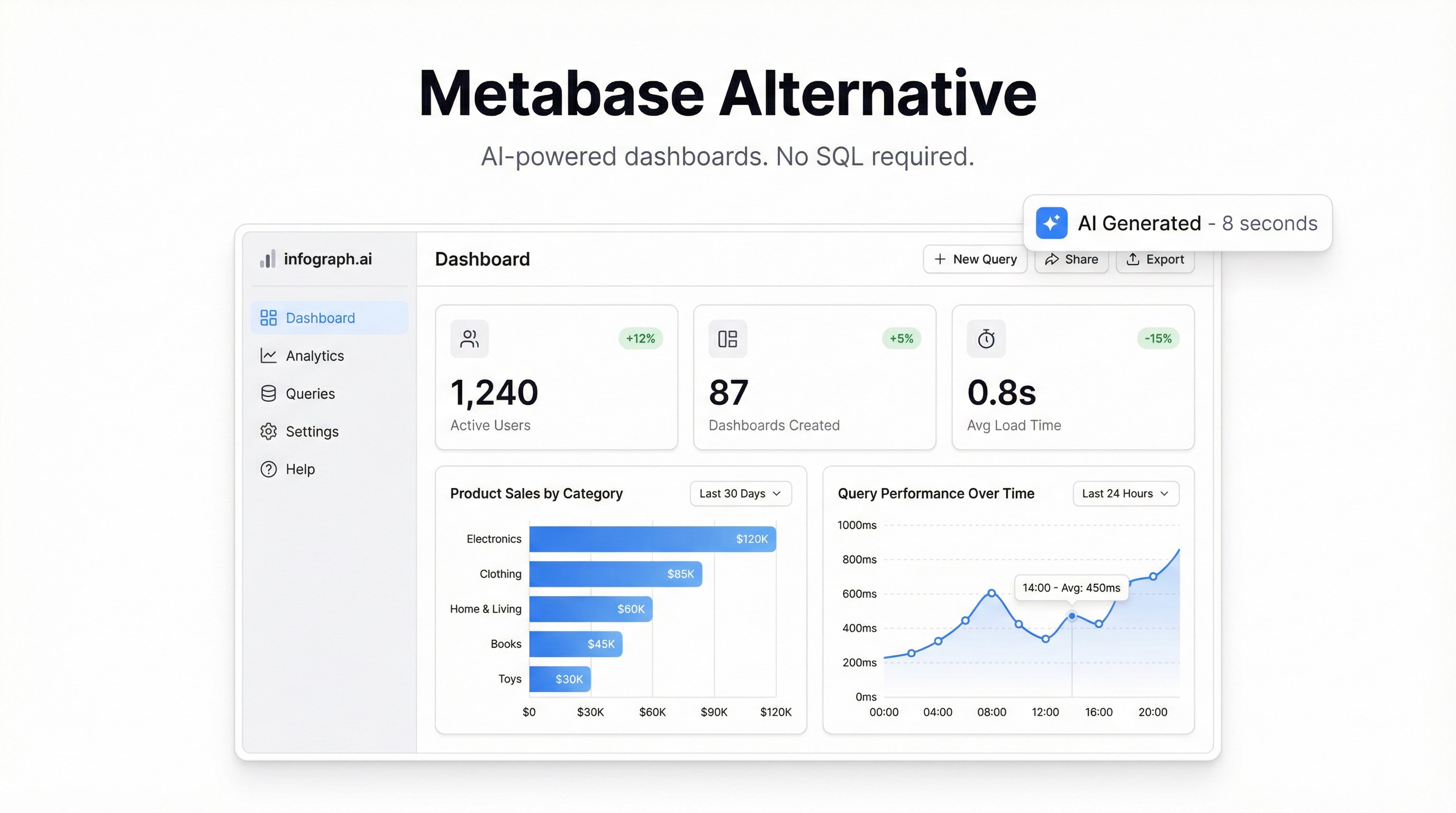
Infograph takes a different approach: instead of connecting to databases and writing queries, you upload your data (CSV, Excel, Google Sheets) and describe the dashboard you want in plain language.
“Show MRR over time, break down by plan tier, add a churn rate KPI.”
The dashboard appears. No SQL, no hosting, no maintenance, no $500/month.
Best for: Founders, operators, and small teams who need a live dashboard from spreadsheet data without technical overhead.
Honest comparison
| Metabase | Looker Studio | Power BI | Infograph | |
|---|---|---|---|---|
| Self-hosting required | Yes (OSS) | No | No | No |
| SQL required | Often | No | DAX | No |
| Connects to databases | Yes | Partial | Yes | No |
| Works from CSV/Sheets | Partial | Yes | Yes | Yes |
| AI features | None | None | Copilot (Premium) | Core feature |
| Starting cost | Free (self-host) | Free | $10/user/mo | Free |
| Time to first dashboard | Hours | 30min | 1-2 hours | 5 minutes |
The question you should actually ask
The right tool depends on your actual constraint:
- “We have a database and an analyst.” → Metabase is probably right.
- “We live in Google products and want free reports.” → Looker Studio.
- “We’re a Microsoft shop.” → Power BI.
- “We have spreadsheets and no analyst.” → Infograph.
The Metabase comparison is really a question of: do you want to manage infrastructure, or do you want a dashboard? For teams at the early-to-mid growth stage, the answer is increasingly the latter.
What Infograph won’t do
To be honest: Infograph doesn’t connect directly to your Postgres database or run ad-hoc SQL queries across millions of rows. If that’s your core requirement, Metabase (or Redash, or Superset) is the better choice.
What Infograph does well: take data you already have in a spreadsheet or CSV, and turn it into a clean, shareable dashboard in minutes. For the majority of small-to-mid stage teams, that’s the actual job to be done.
The bottom line
Metabase alternatives exist on a spectrum from “more powerful, more work” to “less powerful, less work.” The question isn’t which tool is best — it’s which tradeoffs you’re willing to make.
If you want zero infrastructure overhead, no SQL requirement, and a dashboard in five minutes: try Infograph.
If you need direct database access and have engineering resources to spare: Metabase is still a good choice, even if it’s the reason you’re here.


