You have a Parquet file. You need a CSV.
The standard answer is “write a Python script.” Import pyarrow, read the file, call to_csv(), done. Three lines of code — if you have Python installed, if you have pyarrow installed, if you remember the API, and if you’re comfortable with the command line.
For everyone else, it’s a wall.
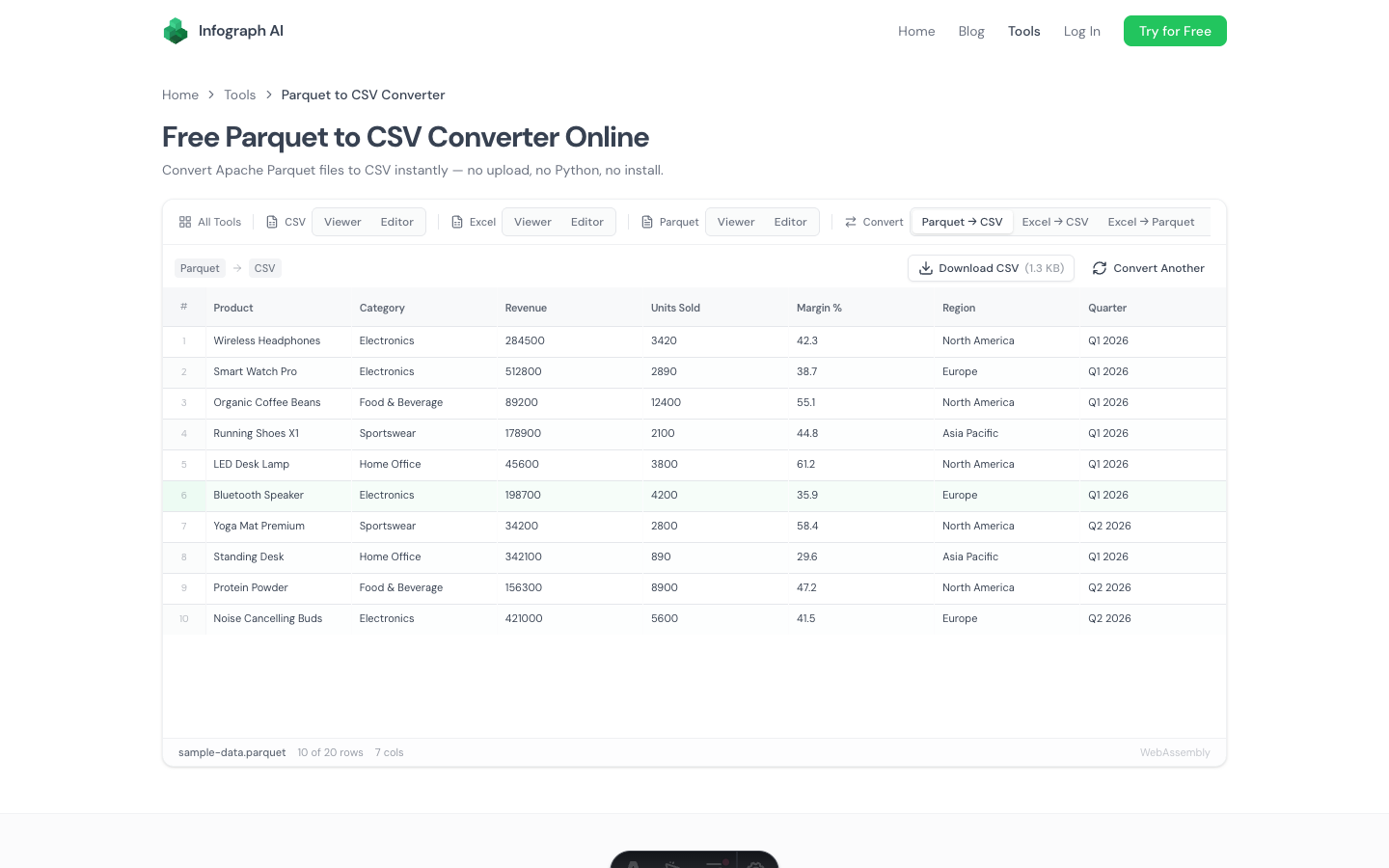
We built a free Parquet to CSV converter that runs entirely in your browser. Drop a .parquet file, get a .csv file. No Python, no Spark, no upload to anyone’s server.
How It Works
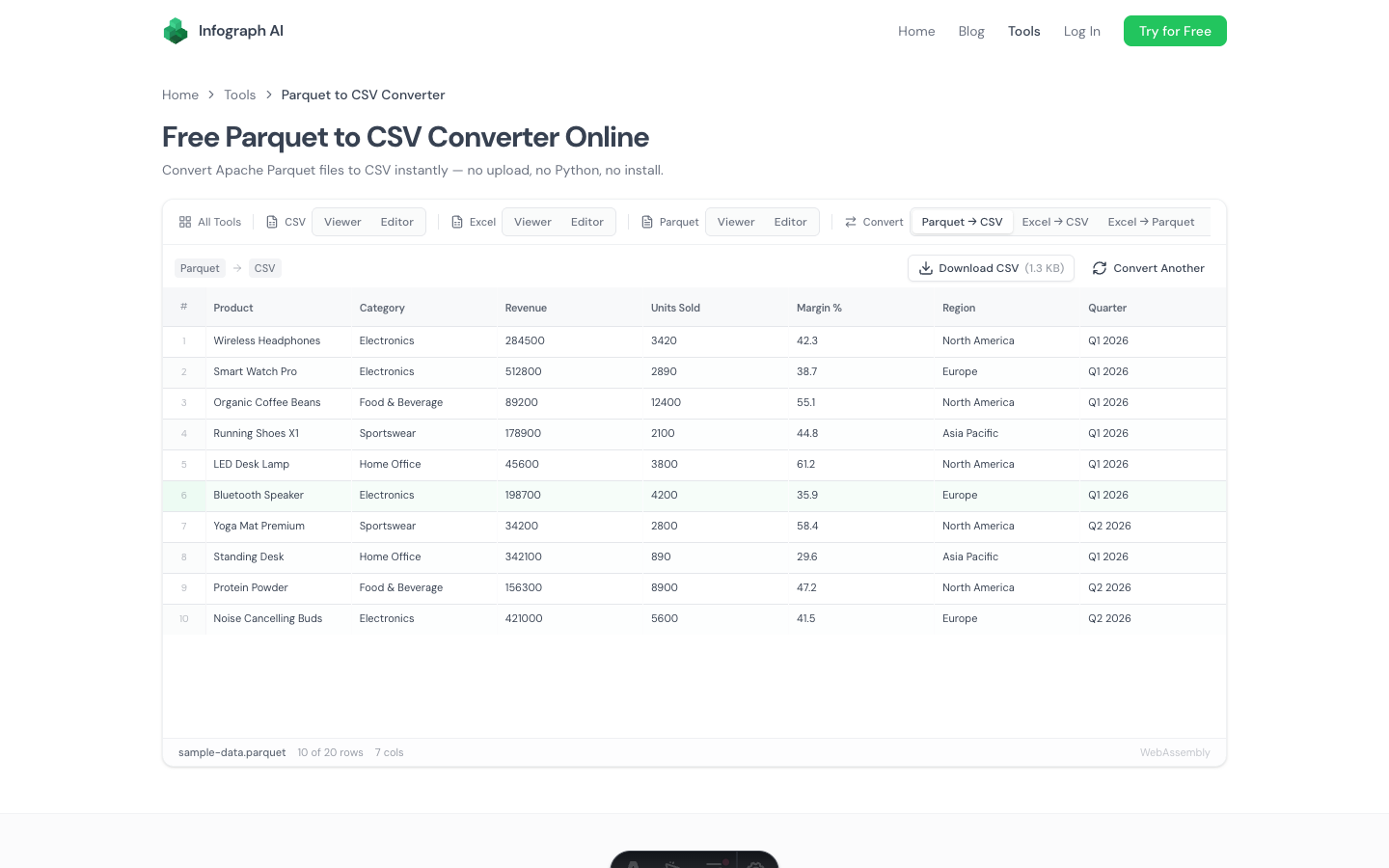
- Drop your Parquet file onto the page (or click to browse)
- Preview the converted data in a grid to verify it looks right
- Download as CSV with one click
The conversion happens locally using a WebAssembly engine. Your file never leaves your browser — there’s no upload step, no server processing, no waiting in a queue.
All standard Parquet compression codecs are supported: Snappy, Gzip, Zstd, LZ4, and uncompressed. Column names become the CSV header row. Data types are converted to their string representation automatically.
Why Not Just Use Python?
Python works great — if you’re a Python user. But there are real scenarios where a browser-based converter is the better choice:
You’re not a developer. An analyst, a product manager, a business user. Someone sent you a Parquet file and you need the data in a format you can work with. You shouldn’t need to install a programming language for a file conversion.
You’re on a locked-down machine. Corporate laptops often restrict what you can install. You can’t pip install anything, but you can open a browser tab.
You’re handling sensitive data. Most online converters require you to upload your file to their server. With financial data, healthcare records, or anything covered by compliance requirements, that’s a non-starter. This converter processes everything locally — your data stays on your machine.
You need it done in 10 seconds. Even for experienced Python users, opening a terminal, writing the script, running it, and finding the output file is slower than dragging and dropping in a browser.
What Gets Converted
Parquet is a typed, columnar format. CSV is flat text. Here’s what happens during conversion:
- Column names → CSV header row
- Integers and floats → numeric text (e.g.,
42,3.14) - Strings → preserved as-is
- Booleans →
true/false - Dates and timestamps → ISO 8601 format
- Nulls → empty fields
Nested types (structs, arrays, maps) are flattened to their string representation. If your Parquet file uses complex nested schemas, you may want to use the Parquet viewer first to understand the structure before converting.
Common Use Cases
Converting data warehouse exports. You exported data from Snowflake, BigQuery, Redshift, or Databricks as Parquet because that’s the default. Now you need it in CSV to open in Excel, import into a CRM, or share with someone who doesn’t have data tools.
Sharing data with non-technical stakeholders. Your data pipeline outputs Parquet. Your manager wants a spreadsheet. Convert and email — no Python tutorial required.
Inspecting pipeline output. You want a quick sanity check on a Parquet file from your ETL pipeline. Converting to CSV and opening in a spreadsheet is faster than spinning up a Jupyter notebook.
Migrating between systems. Some tools only accept CSV imports. Rather than writing a conversion script into your pipeline, you can handle one-off conversions in the browser.
File Size and Performance
The converter handles Parquet files up to several hundred megabytes. Since Parquet uses columnar compression, a 100 MB Parquet file might represent millions of rows — and the resulting CSV will be significantly larger (Parquet is typically 2–10x more compact than CSV).
Conversion speed depends on file size and your machine’s specs, but most files convert in seconds. The WebAssembly engine runs at near-native speed.
Related Tools
If you need more than just conversion:
- Parquet Viewer — inspect schema, metadata, and row group statistics
- Parquet Editor — edit Parquet data and export to any format
- CSV to Parquet Converter — convert the other direction
- CSV Viewer — view the converted CSV with sorting and filtering
Try It
→ Free Parquet to CSV Converter
Drop a .parquet file and download the CSV. No account, no install, no upload.