The typical workflow for getting Excel data into a data warehouse goes like this: open the spreadsheet in Excel, export as CSV, then run a Python script to convert CSV to Parquet, then upload the Parquet file. Three steps, two tools, one too many.
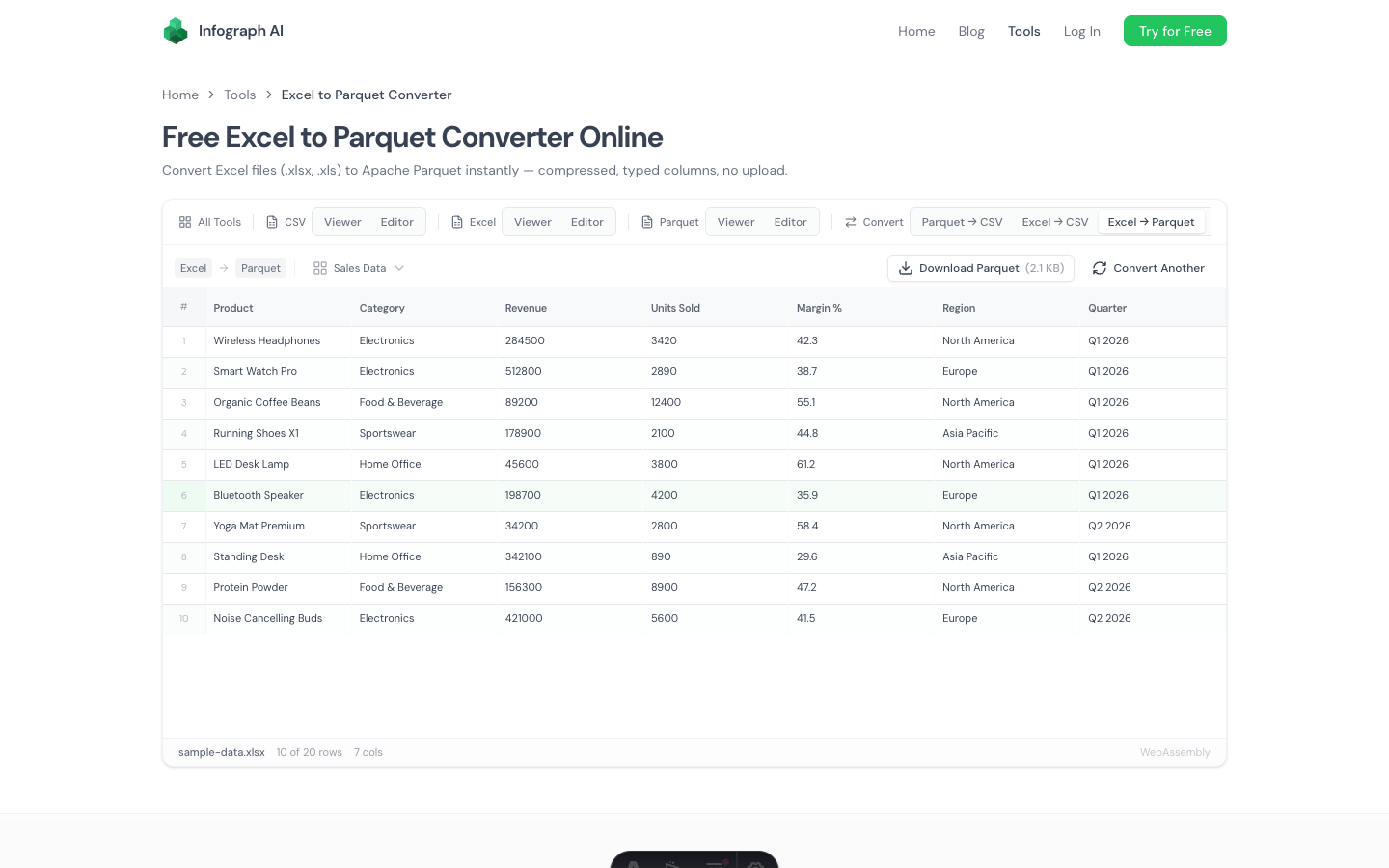
We built a free Excel to Parquet converter that does the whole thing in one step. Drop an .xlsx or .xls file, select the sheet you want, download a properly typed Parquet file with Snappy compression. No intermediate CSV, no Python, no upload.
How It Works
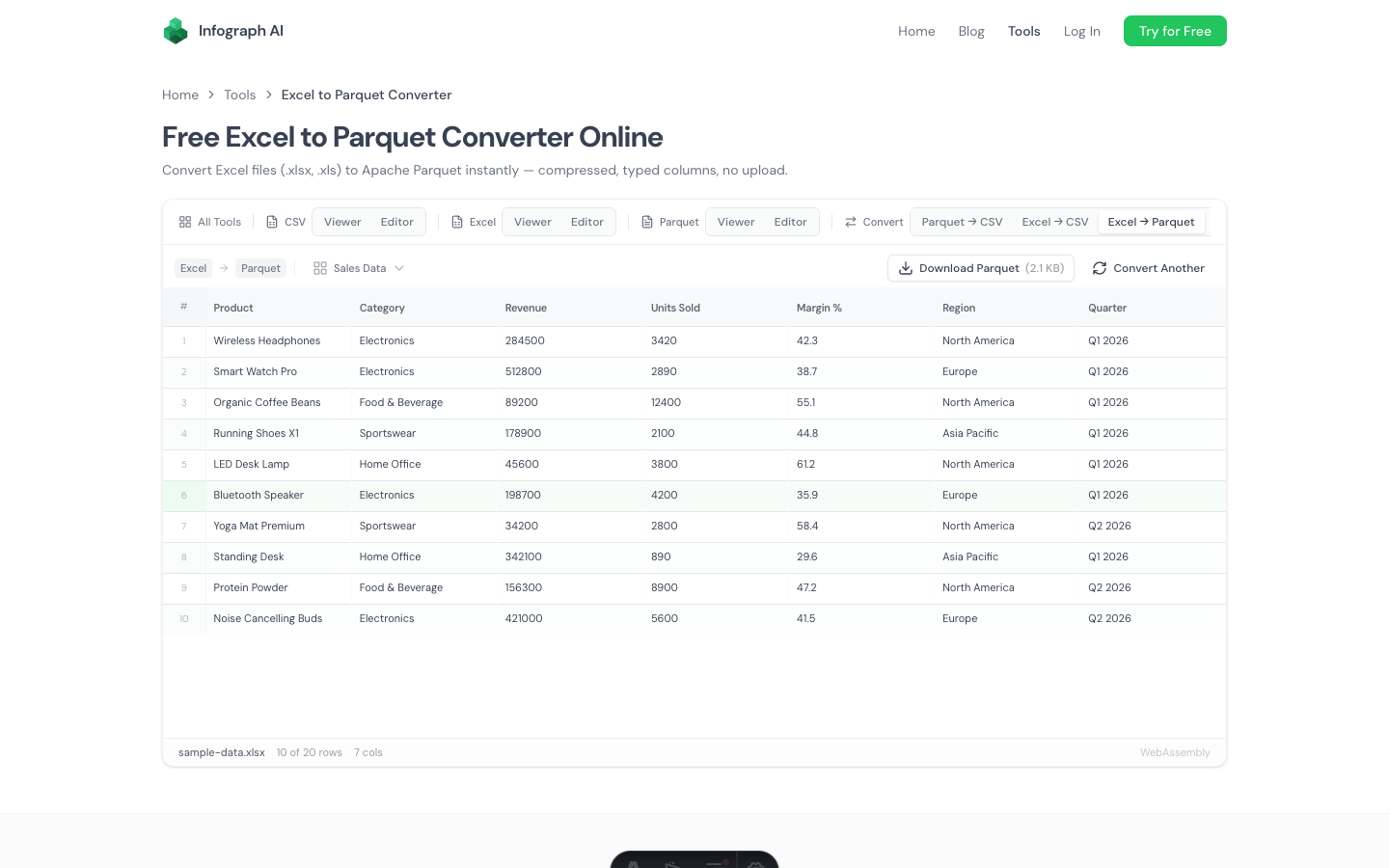
- Drop your Excel file (.xlsx or .xls) onto the page
- Select a sheet if the workbook has multiple tabs
- Preview the data and verify column types
- Download as Parquet — compressed, typed, ready for your data pipeline
Everything runs locally in your browser using WebAssembly and SheetJS. The file is parsed on your machine, converted to Parquet with automatic type detection, and compressed with Snappy. No server involved.
Why Excel to Parquet Directly?
The usual Excel → CSV → Parquet pipeline has a problem: the CSV step loses type information. Excel knows that a column contains dates, currencies, or integers. CSV turns everything into strings. Then your Parquet conversion script has to guess the types back — and it doesn’t always guess correctly.
Going directly from Excel to Parquet preserves more type information:
- Numbers stay numeric — integers become
INT64, decimals becomeDOUBLE - Dates are detected — date cells convert to proper
DATEorTIMESTAMPtypes - Booleans are preserved —
TRUE/FALSEcells become proper boolean columns - Strings remain strings — text cells become
VARCHAR
The result is a cleaner Parquet file with fewer type-casting surprises downstream.
Multi-Sheet Support
Real Excel files usually have multiple sheets. When you drop a multi-sheet workbook, a sheet selector dropdown appears. Pick the sheet you need and the preview and download update to that sheet’s data.
This is particularly useful for workbooks where:
- The data you need is on sheet 2 or 3
- Different sheets contain different datasets
- You need to convert specific sheets independently
When to Use This
Loading Excel data into Snowflake, BigQuery, or Databricks. These platforms ingest Parquet natively and efficiently. Uploading Parquet instead of CSV means faster loads, lower costs, and correct column types from the start — no schema guessing.
Archiving spreadsheets efficiently. Parquet files are 2–10x smaller than the equivalent data in Excel format. If you’re archiving years of monthly reports, converting to Parquet saves significant storage space while preserving all the data.
Feeding data into analytics pipelines. If your ETL pipeline expects Parquet input and the source data arrives as Excel spreadsheets, this converter bridges the gap without adding a Python dependency.
Replacing the Excel → CSV → Parquet workflow. Instead of three steps and two tools, you get one step and zero installs. Drag, drop, download.
Handling sensitive spreadsheets. Financial data, HR records, compliance documents — files you can’t upload to third-party services. Since everything runs locally in your browser, there’s no exposure risk.
Output Details
The Parquet output uses:
- Snappy compression — the most widely supported codec, good balance of file size and read speed
- Automatic type inference — column types detected from data values
- Flat schema — nested Excel structures (merged cells, etc.) are flattened to simple columns
Formula cells export their calculated values, not the formulas themselves. What you see in Excel is what ends up in the Parquet file.
How It Compares to Python
| Feature | Infograph Converter | Python (openpyxl + pyarrow) |
|---|---|---|
| Install required | None | Python + 2 libraries |
| Upload to server | No | No (local) |
| Multi-sheet support | Dropdown selector | Manual code per sheet |
| Type detection | Automatic | Manual or semi-automatic |
| Compression options | Snappy (default) | Snappy, Gzip, Zstd, LZ4 |
| Batch processing | One file at a time | Scriptable for many files |
| Complex schemas | Flat columns only | Full control |
For one-off conversions, the browser tool is faster. For automated pipelines processing hundreds of files, Python is the right choice. Different tools for different jobs.
Related Tools
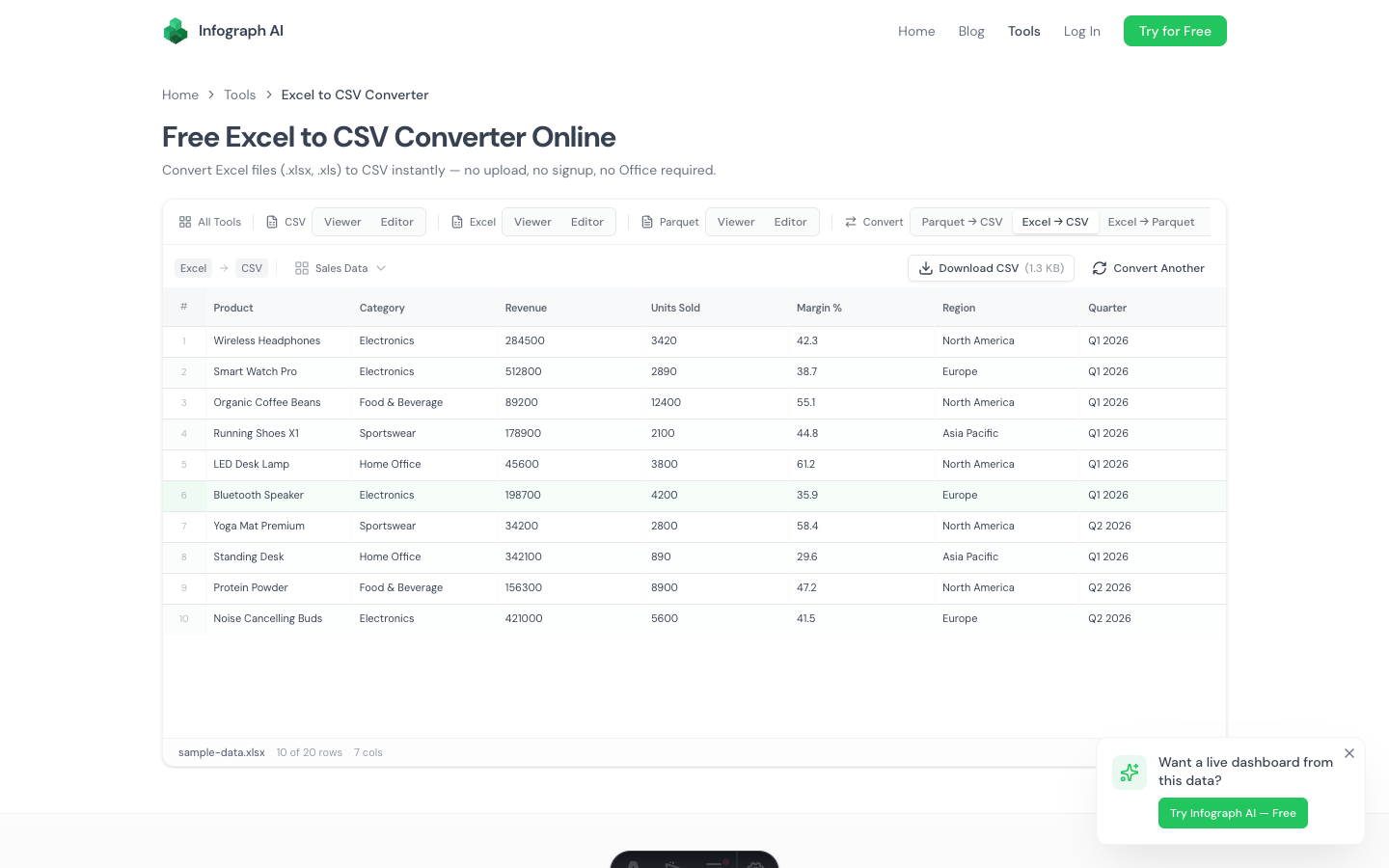
- Excel to CSV Converter — if you need CSV instead of Parquet
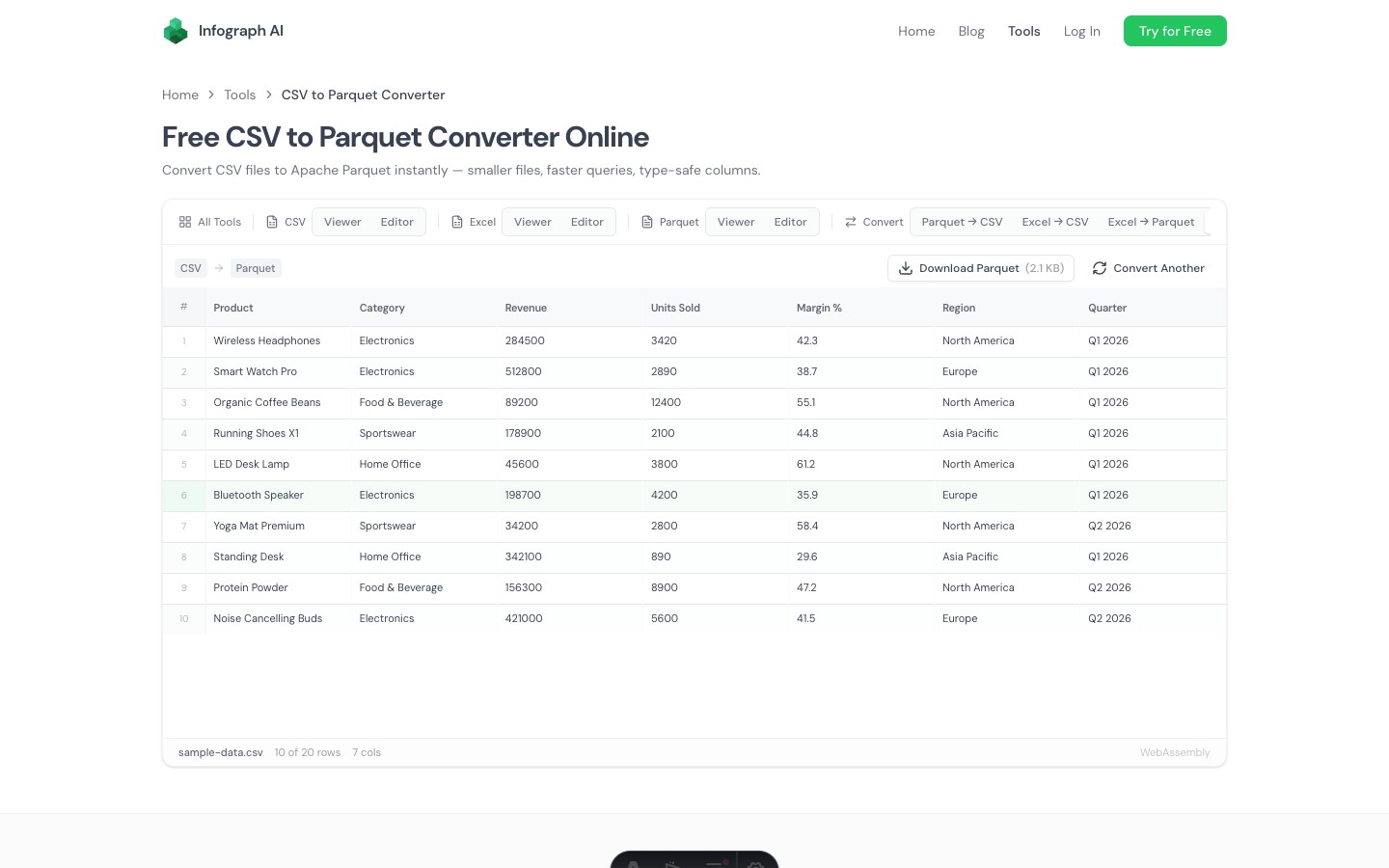
- CSV to Parquet Converter — convert CSV files to Parquet
- Parquet Viewer — view the converted Parquet file, inspect schema
- Excel Viewer — view Excel files without converting
- Excel Editor — edit Excel files and export to any format
Try It
→ Free Excel to Parquet Converter
Drop a .xlsx or .xls file and download the Parquet. One step, no code, no upload.