CSV files are everywhere. They’re also inefficient. A 500 MB CSV might compress to 80 MB as Parquet — same data, fraction of the size, with proper column types instead of everything-is-a-string.
If you’re loading data into Snowflake, BigQuery, Databricks, or any modern data tool, Parquet is the format they want. And converting CSV to Parquet usually means writing a Python script with pyarrow or pandas.
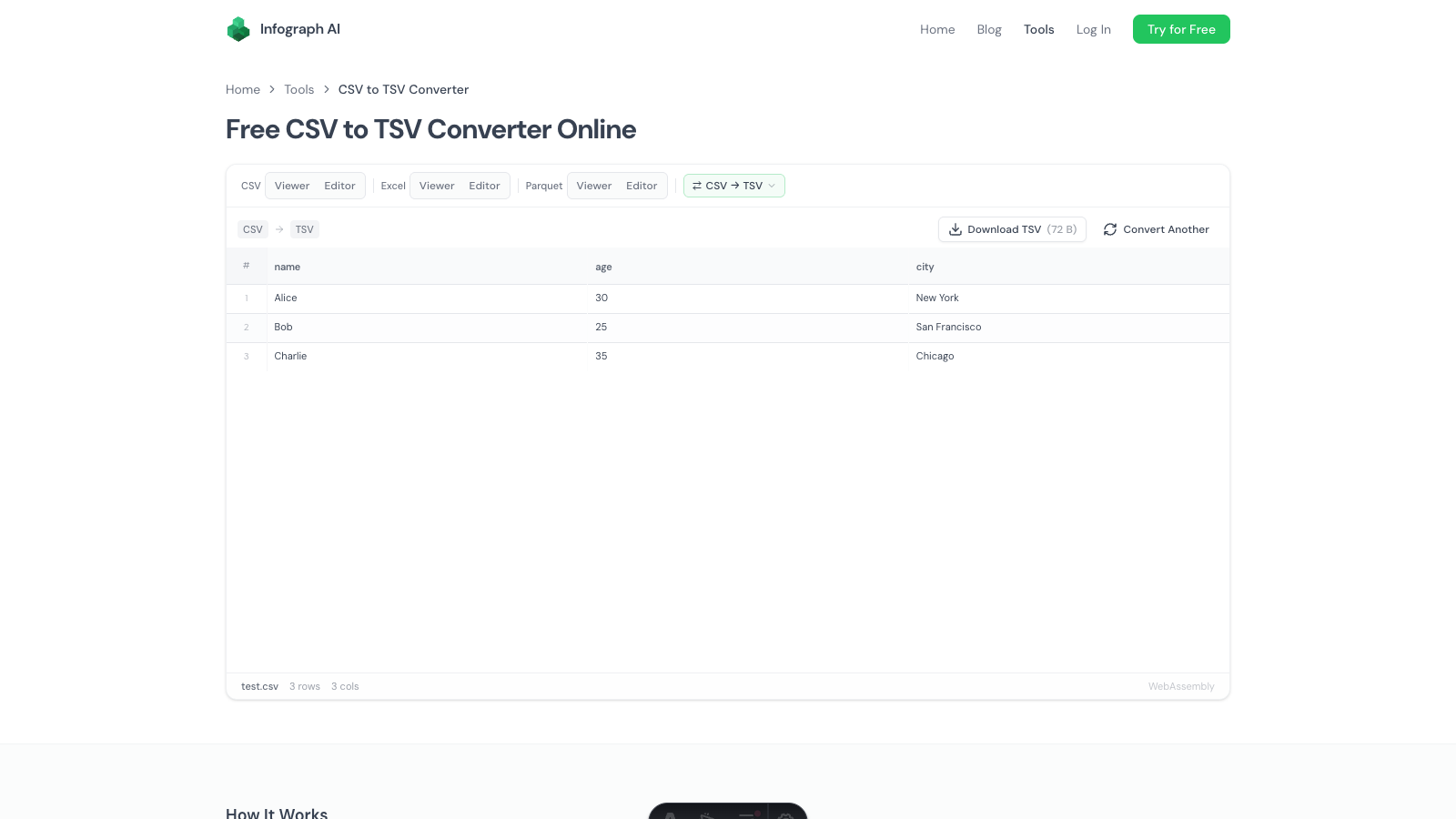
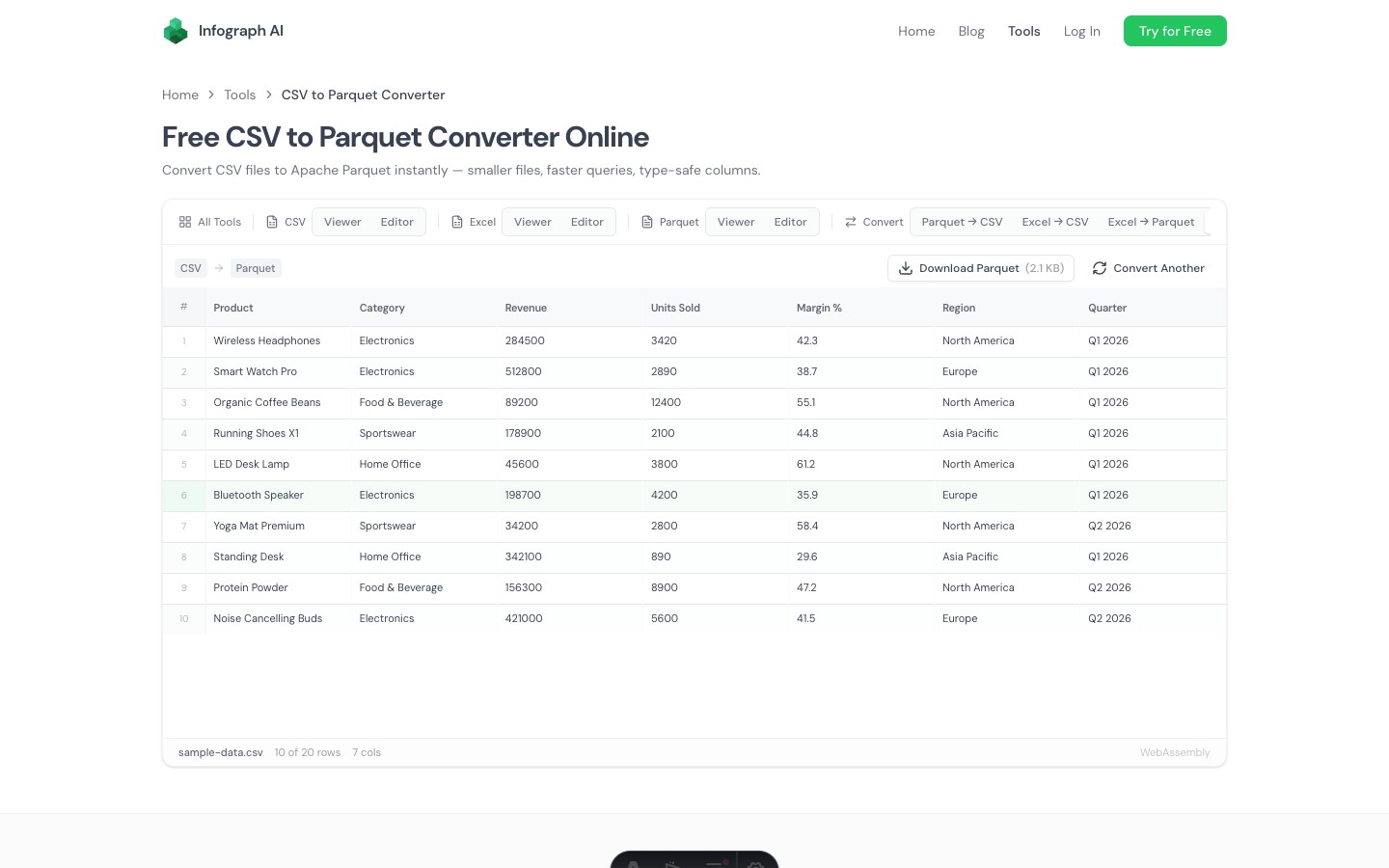
We built a free CSV to Parquet converter that handles this in your browser. Drop a CSV, download a Parquet file with automatic type detection and Snappy compression. No Python, no code, no upload.
How It Works
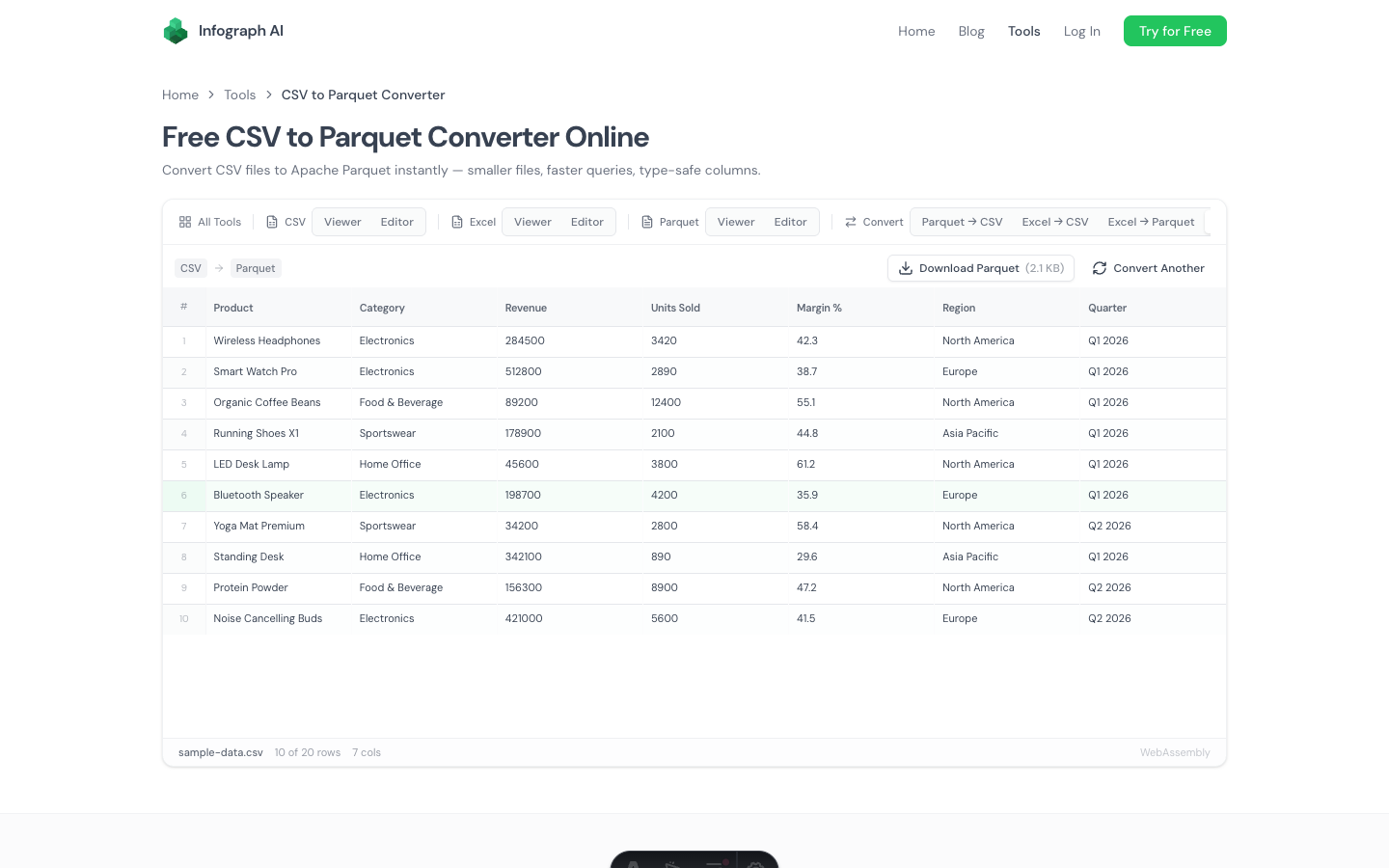
- Drop your CSV file onto the page (also supports TSV and other delimiters)
- Preview the data and check the detected column types
- Download as Parquet with Snappy compression
The conversion runs locally using a WebAssembly engine. Your file never leaves your browser.
Why Convert CSV to Parquet?
If you’re not familiar with Parquet, here’s the short version: it’s a columnar file format designed for analytical workloads. Where CSV stores data row by row as plain text, Parquet stores data column by column with compression and type information.
The practical benefits:
Smaller files. Parquet files are typically 2–10x smaller than the equivalent CSV. Columnar storage and compression (Snappy by default) eliminate redundancy. A 500 MB CSV might become 50–100 MB as Parquet.
Type safety. In a CSV, every value is a string. A Parquet file knows that revenue is a double, order_date is a timestamp, and is_active is a boolean. This means no type-casting errors when loading into a database.
Faster queries. Columnar storage means a query that only needs three columns doesn’t have to read the other fifty. Data tools like DuckDB, Snowflake, and BigQuery are optimized for Parquet.
Better compression ratios. Similar values in the same column compress better than mixed values in the same row. This is why columnar formats beat row-based formats on file size.
Automatic Type Detection
The converter doesn’t just dump your CSV text into string columns. The WebAssembly engine analyzes your data and infers the correct types:
- Integers →
INT64(e.g.,42,1000) - Decimals →
DOUBLE(e.g.,3.14,99.99) - Dates →
DATEorTIMESTAMP - Booleans →
BOOLEAN(e.g.,true,false,yes,no) - Text →
VARCHAR
You can preview the detected types before downloading. If a column looks wrong — say, zip codes detected as integers — you can verify in the preview grid.
Delimiter Support
The converter isn’t limited to comma-separated files. It auto-detects:
- Commas (
.csv) - Tabs (
.tsv) - Semicolons (common in European CSV exports)
- Pipes (common in database exports)
Drop any delimited text file and the converter figures out the separator automatically.
When to Use This
Before loading into a data warehouse. Snowflake, BigQuery, Redshift, and Databricks all prefer Parquet. Converting CSV to Parquet before uploading means faster loads, lower storage costs, and proper column types from the start.
Compressing data for storage. If you’re archiving CSV exports, converting to Parquet saves 50–90% of disk space while preserving all the data. It’s a better archive format.
Preparing test data. If your data pipeline expects Parquet input and you need test fixtures, this converter lets you create them from a CSV without writing Python.
Sharing large datasets. Smaller file = faster transfer. A 500 MB CSV email attachment becomes a 60 MB Parquet file that downloads in seconds.
What About Compression?
The output uses Snappy compression by default. Snappy is supported by every major data tool and provides a good trade-off between compression ratio and read speed. It’s the most widely used Parquet compression codec.
If you need a specific codec (Gzip, Zstd, LZ4), you’ll want a programmatic tool like pyarrow. This converter optimizes for the common case: get a properly compressed, properly typed Parquet file without writing code.
Performance and File Size
The converter handles CSV files up to several hundred megabytes. Conversion speed depends on your machine, but most files process in seconds.
The resulting Parquet file size depends on your data. Highly repetitive data (like categorical columns) compresses extremely well. Columns with mostly unique values (like free-text descriptions) compress less dramatically. As a rough guide, expect 2–10x size reduction from CSV to Parquet.
Related Tools
- Parquet to CSV Converter — convert the other direction
- Parquet Viewer — view the converted Parquet file, inspect schema and metadata
- Parquet Editor — edit Parquet data directly
- CSV Viewer — view CSV files with sorting and filtering
- Excel to Parquet Converter — convert Excel directly to Parquet
Try It
→ Free CSV to Parquet Converter
Drop a CSV and download the Parquet file. Automatic types, Snappy compression, zero upload.