Every time you need to open a CSV, the same thought: “Do I really have to open Excel for this?”
Excel takes forever to load. Google Sheets wants you to upload the file to Google’s servers. VS Code shows you raw text with no columns. And if the file has more than a million rows, most tools just give up.
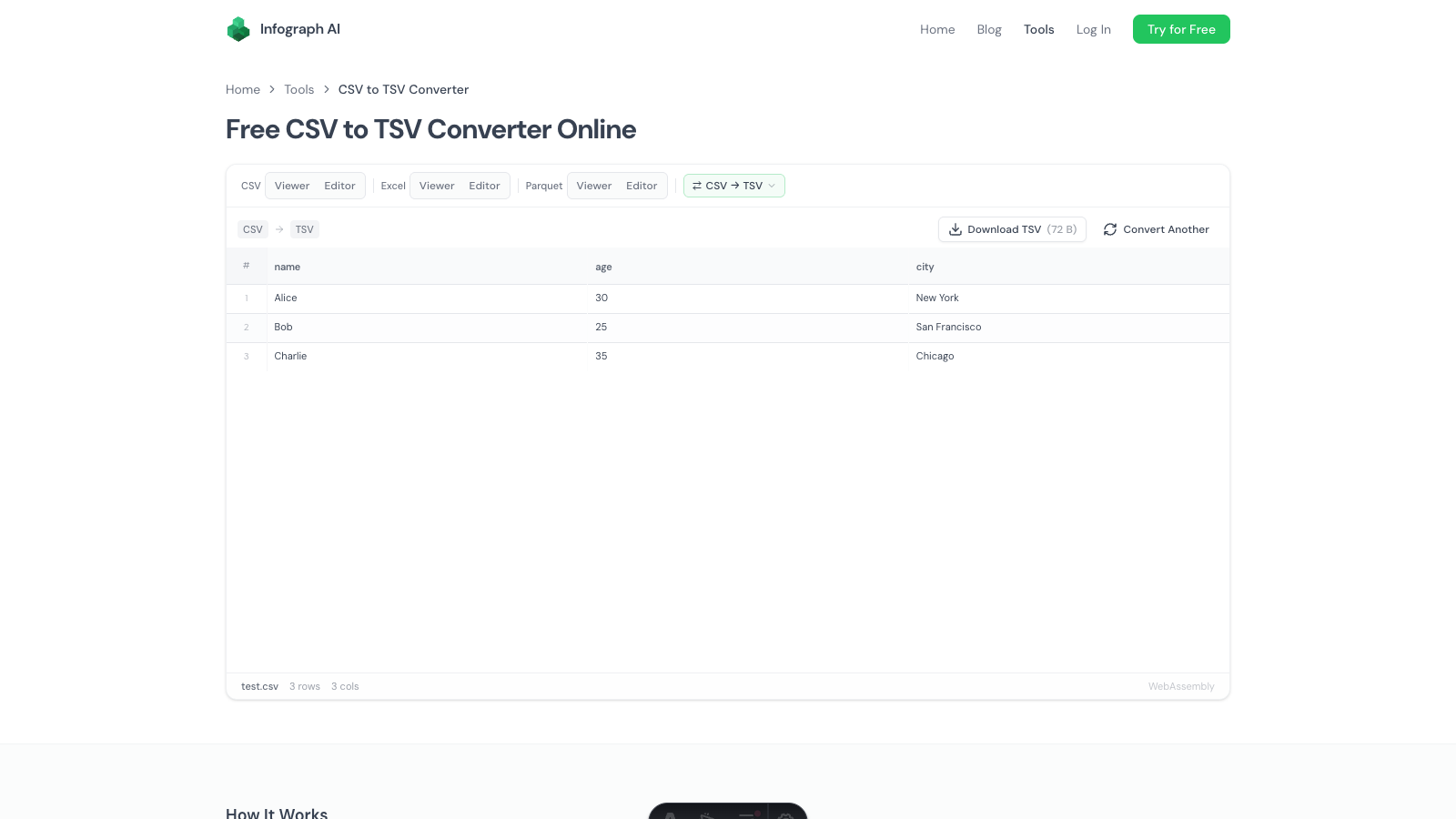
We built a free CSV viewer and CSV editor that runs entirely in your browser. Drop a file, see your data in a clean grid, sort and filter instantly. No install, no account, no file upload to any server. The file stays on your machine the entire time.
What It Actually Does
The viewer and editor are separate tools, depending on whether you need to look or touch.
CSV Viewer
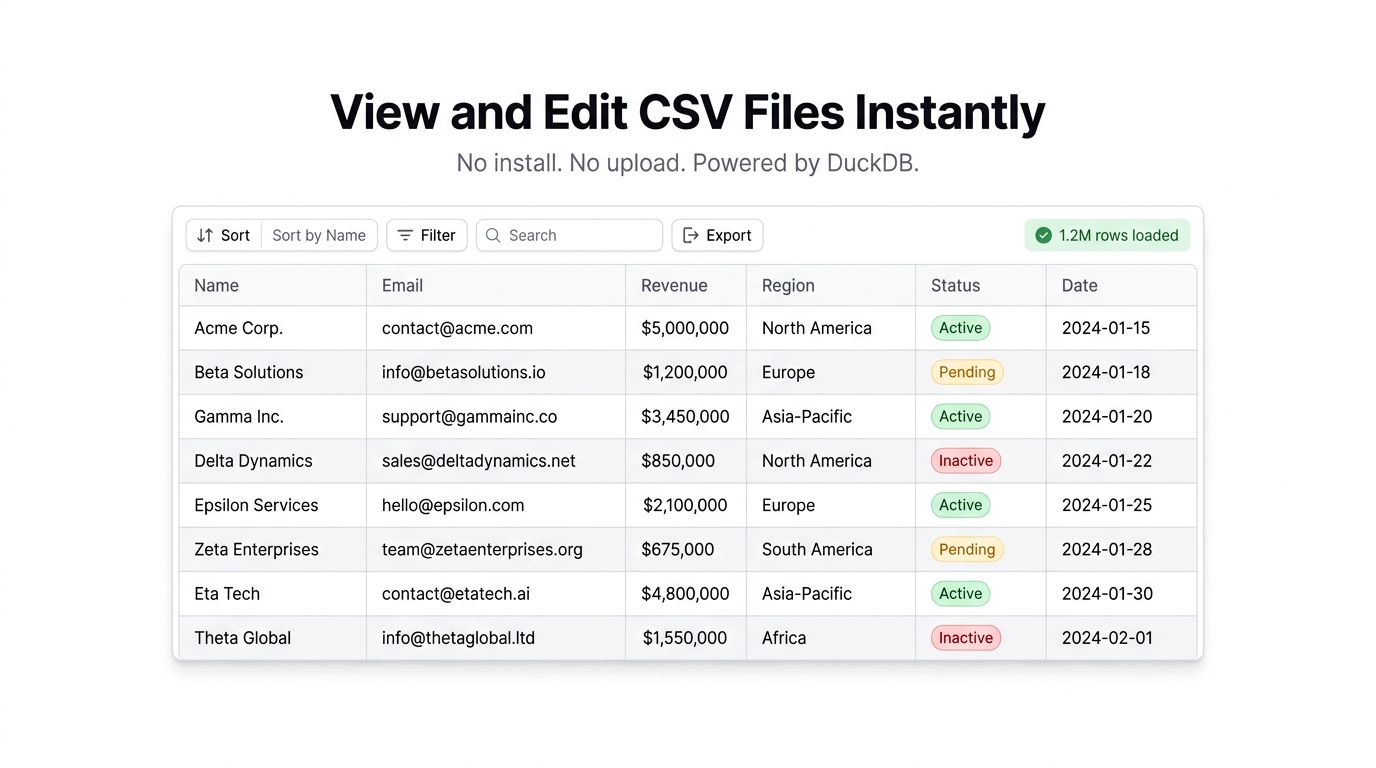
The CSV viewer is for when you need to inspect a file quickly. Drag a .csv, .tsv, or .txt file onto the page — or click to browse — and the data appears in a sortable, filterable grid.
- Column sorting — click any header to sort ascending or descending
- Per-column filters — filter individual columns without writing formulas
- Global search — search across every column at once
- Auto-delimiter detection — commas, tabs, semicolons, pipes. It figures it out.
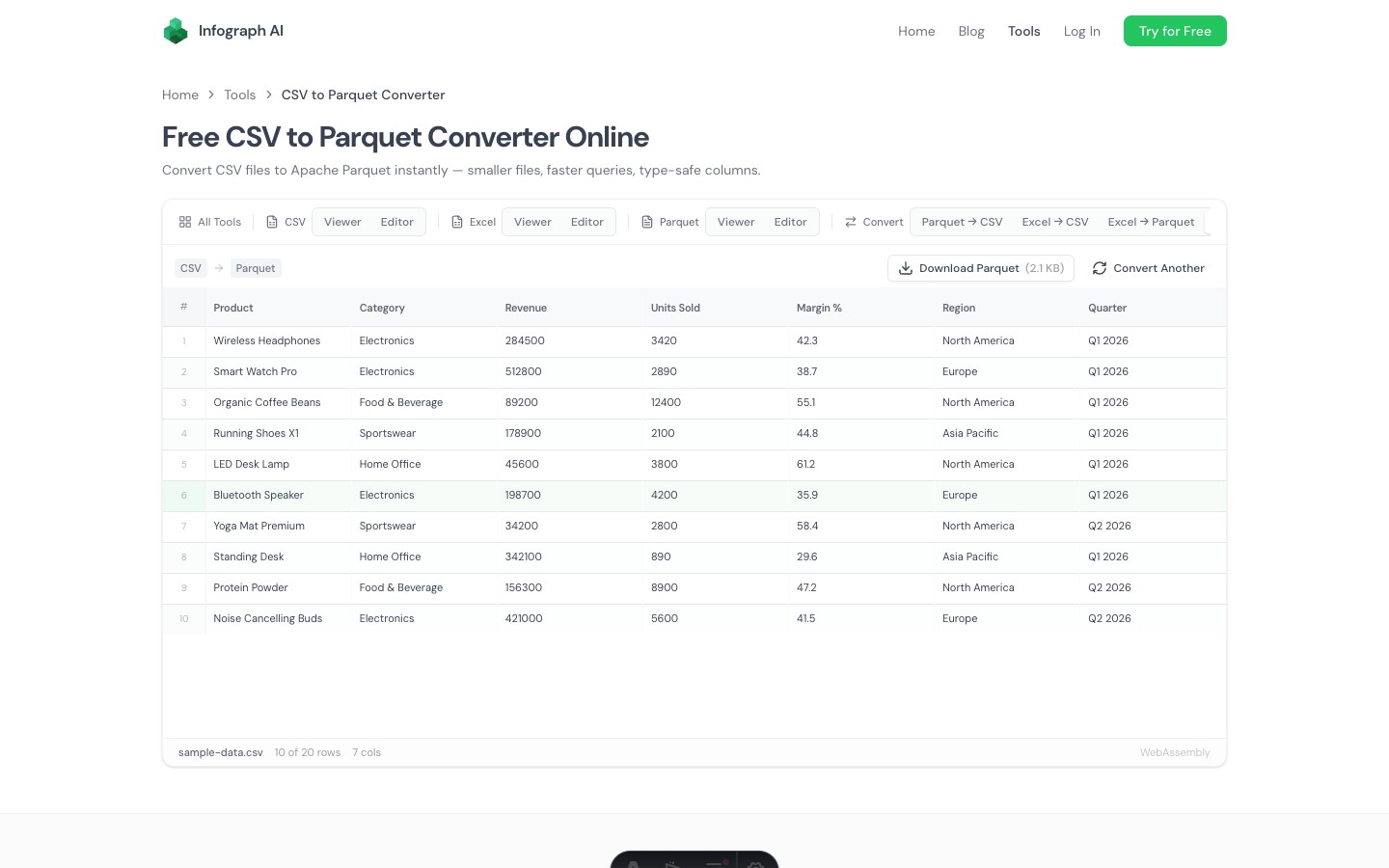
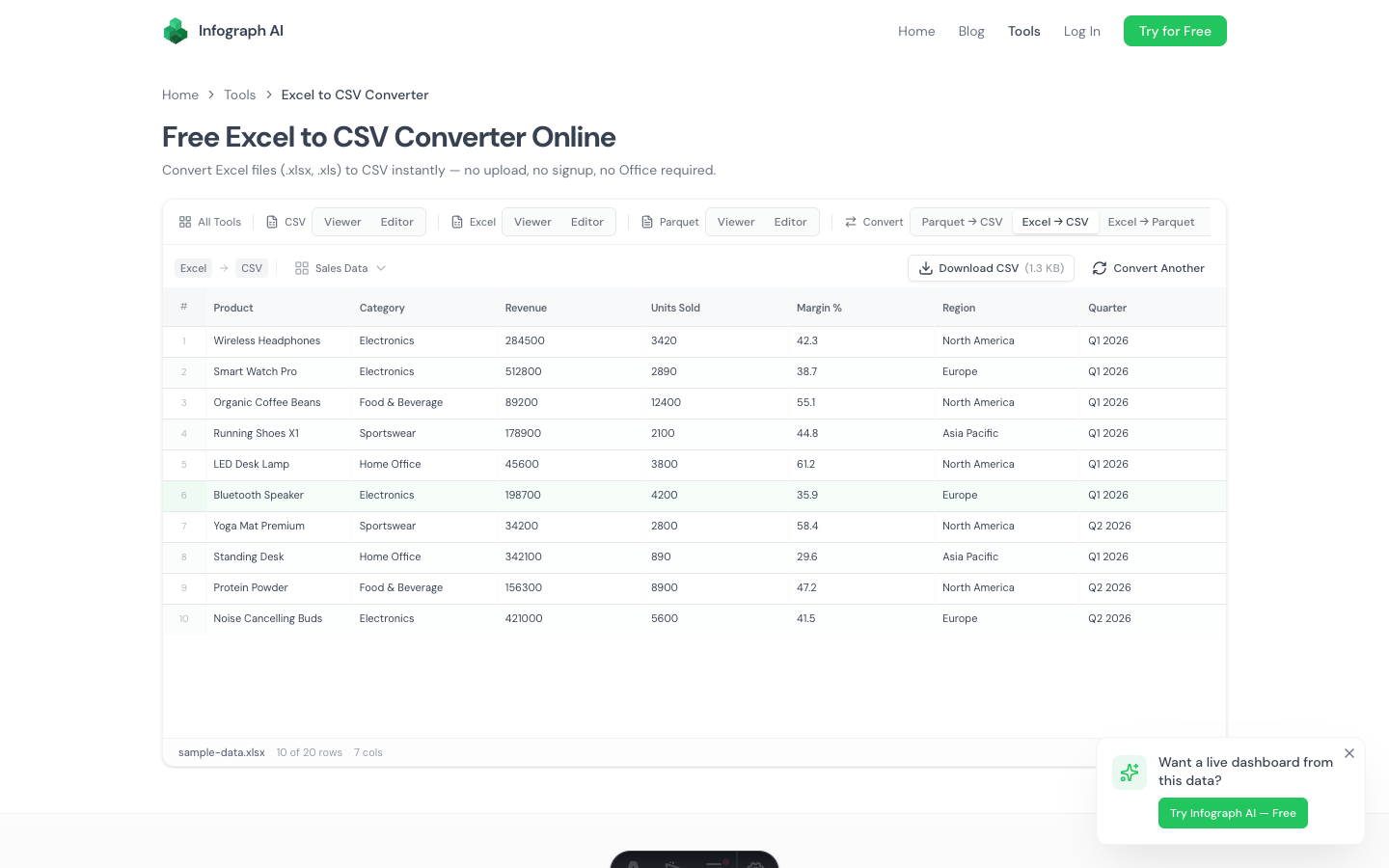
- Export — save as CSV, JSON, Parquet, or Excel (.xlsx)
The grid uses virtual scrolling, so it stays smooth even with large files. We’ve tested it with multi-million-row datasets and the interface doesn’t stutter.
CSV Editor
The CSV editor adds everything you’d expect from a spreadsheet — without being a spreadsheet.
- Inline cell editing — double-click any cell to change its value
- Add and delete rows and columns from the toolbar
- Rename columns by editing headers directly
- Find and replace — supports plain text and regex, with case-sensitive matching
- Undo/redo — up to 50 levels of history, so you can experiment without fear
- Unsaved changes warning — tries to stop you from closing the tab and losing work
When you’re done, export to CSV, JSON, Parquet, or Excel. The editor doesn’t auto-save to cloud storage because there is no cloud storage. Everything stays local.
How It Works (The Nerdy Part)
Both tools run on DuckDB compiled to WebAssembly. DuckDB is an analytical database engine — the same technology data teams use for query-heavy workloads. Except here it’s running inside your browser tab.
When you drop a file, DuckDB parses it locally, creates an in-memory table, and the grid renders from SQL queries under the hood. Sorting a column? That’s an ORDER BY. Filtering? A WHERE clause. The performance characteristics are closer to a database than a spreadsheet, which is why it handles large files that choke Excel.
Your data never hits a server. There’s no upload step, no API call, no cookie tracking the file contents. Open your browser’s network tab while using it — you’ll see zero data leaving your machine.
When to Use This Instead of Excel
You just need to look at a CSV. You got an export from Stripe, Shopify, your CRM, whatever. You want to see what’s in it, maybe sort by a column, maybe search for a specific value. You don’t need a full spreadsheet application for that.
The file is too big for Excel. Excel caps out at 1,048,576 rows. Google Sheets at 10 million cells (which sounds like a lot until you have 20 columns). DuckDB in the browser handles millions of rows without breaking a sweat.
You don’t want to upload sensitive data. Financial records, customer lists, healthcare data — anything you’d rather not send to Google’s servers or a random SaaS tool. Since the file never leaves your browser, there’s nothing to worry about.
You need a quick edit without the overhead. Change a few values, delete some rows, rename a column, export. In and out in under a minute. No waiting for Excel to boot, no “this file is in a different format than the extension” dialog.
What It Doesn’t Do
This isn’t a spreadsheet replacement. There are no formulas, no pivot tables, no charts. If you need =VLOOKUP or conditional formatting, you still want Excel or Google Sheets.
It’s also not a data pipeline tool. If you need to join multiple CSVs, run complex transformations, or schedule recurring processing, you want Python or a proper ETL tool.
What it is: the fastest way to open, inspect, and lightly edit a CSV file without installing anything or trusting a third party with your data.
Try It
Pick whichever fits:
- CSV Viewer — open and explore CSV files, read-only
- CSV Editor — open, edit, and export CSV files
Drop a file and see for yourself. Takes about two seconds.